

Run multichannel automated reminders led by short, direct SMS with a one-tap confirm or reschedule link, backed by a single follow-up message closer to the visit. This combination consistently drives more confirmations and fewer missed slots than a single-channel approach, and tools like Signal Engine make it easy to set up without a big software budget. The payoff shows up fast: cleaner schedules, less staff time on phone tag, and more chairs filled.
TL;DR:
- Sending automated SMS reminders with clear confirmation and reschedule links starting seven days before appointments significantly reduces no-shows and improves schedule efficiency.
- Automated two-way flows that handle replies automatically, routing confirmations to locks and reschedules to self-booking links, improve response accuracy and staff workflow.
- Adding specific cost information or social norm messages to reminders can lower missed appointments by several percentage points beyond simple text prompts.
- Practicing test runs and ensuring proper integration of scheduling software and messaging platforms prevent common failures, especially in handling unanswered replies.
- Most practices should tailor reminder frequency, content, and channels based on patient type, appointment complexity, and communication preferences for optimal results.
Table of Contents
- SMS reminders: timing, content, and two-way flows
- Email reminders and richer prep messaging
- Reminder wording, persuasion, and ready-to-use templates
- Automation workflows and integrations that keep schedules current
- Measuring impact: KPIs, baselining, and ROI
- HIPAA and consent essentials for appointment reminders
- Publisher playbooks: how Signal Engine implements reminder campaigns
- Patient segmentation and personalization strategies for reminders
- Multichannel reminder approaches beyond text and email
- Handling reminders for different appointment types
- Legal considerations beyond HIPAA: TCPA and consent rules
- What most practices get wrong when rolling this out
- Ready to Stop the Revenue Leak?
- Sources
- FAQ
SMS reminders: timing, content, and two-way flows
Text reminders are one of the most reliable levers a dental practice has. A randomized trial found SMS reminders performed as well as phone call reminders in cutting missed appointments and cost less to run, which makes text the default channel for most practices.
Timing matters as much as the message itself. A cadence that works for most practices:
- At booking: instant confirmation text with date, time, and provider name.
- 7 days out: reminder with a link to confirm or reschedule.
- 72 hours out: short nudge, especially for new patients or high-value procedures.
- 24 to 48 hours out: final reminder with a direct confirm/cancel link.
Two-way flows matter more than the outbound text. Set up automatic handling so a "Y" or "confirm" reply locks the slot, a "N" or "reschedule" reply triggers an instant link to self-book a new time, and anything else (a question, a typo, silence past 24 hours) routes to a staff queue for a callback.
Sample wording by interval:
- 7-day: "Hi [Name], this is a reminder of your dental visit on [Date] at [Time] with Dr. [Name]. Reply Y to confirm or N to reschedule."
- 24-hour: "Reminder: your appointment is tomorrow at [Time]. Reply Y to confirm, or tap [link] to pick a new time."
- Family/shared: "Reminder: [Child's Name] has a dental checkup [Date] at [Time]. Reply Y to confirm for the family."
Email reminders and richer prep messaging
Email earns its place when the message needs more room than a text allows. Pre-op instructions, consent forms, insurance details, and office maps all belong in email, not SMS, since patients need to read and often print them.
Subject lines should be plain and specific: "Your appointment on [Date]" beats anything clever, since deliverability depends on looking like a real message, not a marketing blast. Keep the preview text short and avoid words that trip spam filters, like "free" or "urgent."
Two templates worth adapting:
- 7-day email: subject "Your visit with [Practice Name] on [Date]," body includes appointment details, prep instructions, a map link, and a request to arrive 10 minutes early for paperwork.
- 24-hour email: subject "Tomorrow: your appointment at [Time]," short confirmation plus a reminder of what to bring (insurance card, ID, any referral paperwork).
Reminder wording, persuasion, and ready-to-use templates
The words in a reminder change how many people show up. Two randomized trials found that stating the specific cost of missing an appointment in the message reduced missed visits by about three percentage points compared with a plain reminder, and outperformed vaguer cost or empathy framing. A separate large-scale A/B test found that several message frames, including emotional appeals, cost mentions, and social-norm language, each produced a statistically significant drop in no-shows versus a bare-bones reminder.
That means the plain "see you Tuesday" text is leaving results on the table. Templates worth testing side by side:
- Plain reminder: "Reminder: your appointment is [Date] at [Time]."
- Cost-salient: "Reminder: your appointment is [Date] at [Time]. Missed visits may carry a [fee amount] cancellation charge."
- Social norm: "Most patients confirm their visit ahead of time. Reply Y to confirm your [Date] appointment."
- Confirmatory: "You're confirmed for [Date] at [Time]. Reply N if you need to change it."
- Family share: "Reminder: your family has an appointment [Date] at [Time]. Reply Y to confirm everyone."
Pro Tip: Run two message variants for at least 4 to 6 weeks and 100+ appointments per arm before picking a winner, tracking confirmation rate and no-show rate as your two core metrics.
Automation workflows and integrations that keep schedules current
Manual reminders drain front-desk time and drop through the cracks the moment a schedule fills up. Event-driven automation, triggered the moment an appointment is booked, changed, or approaches a set window, keeps messages accurate without staff re-entering data, while batch scheduling (a daily export-and-send) is a weaker fallback for practices without integration options.
A working setup needs a few pieces to talk to each other:
- Practice management software that exposes appointment data to a messaging tool.
- SMS gateway capable of two-way replies, not just outbound blasts.
- Calendar sync so a confirmed or rescheduled reply updates the actual schedule.
- Escalation rules that route unanswered messages to a staff callback list.
Build in retry logic: if a text goes unanswered after 24 hours, send one follow-up, then switch to a phone call for the final 24-hour window on high-value appointments like procedures. Before going live, test every path (confirm, reschedule, no reply, wrong number) with a handful of real staff phones, and check that failed sends surface somewhere a person will see them.
Pro Tip: Pilot the full workflow on one hygiene column for two weeks before rolling it out practice-wide. It surfaces integration gaps while the stakes are low.
Measuring impact: KPIs, baselining, and ROI
Reminders only prove their worth when you track the right numbers. Dental practice guidance points to a small set of metrics worth watching monthly rather than a long dashboard: no-show rate, cancellation rate, and hygiene reappointment rate among them, each tied to a clear practice goal.
For reminders specifically, prioritize:
- No-show (DNA) rate: missed appointments as a share of scheduled visits.
- Advanced cancellation rate: cancellations made with enough notice to refill the slot.
- Confirmation rate: share of reminders that get a Y or equivalent reply.
- Revenue per slot: average production value per appointment type, used to size the dollar impact.
One percentage-point drop in no-shows on a schedule with, say, 40 appointments a week and an average production value of $200 per visit works out to roughly $4,160 a year recovered, a simple way to translate a KPI shift into a number leadership cares about.
Set a baseline over 4 to 6 weeks before changing anything, then roll out the new reminder cadence and compare the same weeks year over year or against a control column if your schedule allows it.
HIPAA and consent essentials for appointment reminders
Appointment reminders tied to treatment don't require prior written authorization under HIPAA, according to HHS guidance. Keep reminders limited to appointment logistics, document each patient's preferred contact method, and make sure your Notice of Privacy Practices covers reminder communications. The moment a message turns promotional (a discount, a new service pitch), it needs explicit opt-in consent instead of falling under the treatment exception.
Publisher playbooks: how Signal Engine implements reminder campaigns
Some platforms pair AI patient scoring with automated SMS and email sequences and missed-call recovery, so high-priority patients get a phone follow-up while routine reminders run themselves. Its 90-day no-show reduction playbook and a practice-manager case study on recovering $259,000 in lost visits both walk through sequencing templates against patient priority.
Patient segmentation and personalization strategies for reminders
Not every patient needs the same reminder cadence. New patients tend to need more lead time and more context (directions, what to bring, insurance verification), while established patients with a long history of on-time visits often need just one clean confirmation text. Segmenting by appointment type matters too: a routine cleaning can run on the standard cadence, while a same-week procedure warrants an added reminder closer to the date.
Age and communication preference also shape what works. Younger patients tend to respond faster to text, while some older patients still prefer a phone call, and asking for a preferred channel at intake avoids guessing. Research also points to another segment worth watching: patients with lower oral health literacy show a higher rate of missed appointments, which suggests plainer language and an extra reminder touch can help that group specifically rather than assuming one message style fits everyone.
Family accounts need their own logic. A single reminder that names every family member on a shared appointment day cuts message volume without losing clarity, while separate reminders make sense when family members are seen on different days or by different providers.
Building even two or three segments (new versus returning, high-value procedure versus routine cleaning, preferred channel) turns a blanket reminder system into one that matches effort to actual risk of no-show, which is where most of the KPI gains discussed earlier tend to come from.

Multichannel reminder approaches beyond text and email
SMS and email cover most patients, but neither works for everyone, and layering channels catches the gaps. A phone call remains the strongest tool for high-value appointments (implant placement, oral surgery, a new-patient first visit) or for any patient who hasn't responded to two automated attempts, since a live voice can resolve confusion that a text can't.
Practice app notifications are worth adding if your patients already use a portal for forms or billing, since a push notification lands somewhere patients are already checking rather than competing with a crowded inbox. For practices without a dedicated app, a shared calendar invite sent at booking (with a reminder built into the calendar app itself) adds a free backup channel.
The right mix depends on the appointment stakes. Routine cleanings can run entirely on SMS. Anything involving anesthesia, a procedure with prep instructions, or a first visit benefits from a call added to the sequence, ideally the one placed by a staff member rather than an automated voice message, since it doubles as a chance to answer last-minute questions. The goal isn't using every channel on every patient. It's matching channel effort to how much a missed appointment would cost the practice.
Handling reminders for different appointment types
A routine cleaning and an oral surgery consult should never run the same reminder sequence. Routine checkups do fine on the standard automated cadence: booking confirmation, a 7-day text, and a 24-hour text with a confirm link. There's little need for a phone call unless two reminders go unanswered.
Procedures with prep requirements need an earlier start and more detail. A sedation appointment or extraction should trigger a 7-day email with fasting or medication instructions, a 72-hour text reminder, and a live phone call in the final 24 hours to confirm the patient followed the prep instructions, not just that they intend to show up.
Emergency or same-day visits skip the multi-step cadence entirely. A single confirmation text at booking, sent immediately, is the only reminder that fits the timeline, and staff should treat any non-reply as a signal to call rather than wait for an automated follow-up that won't arrive in time.
Recall and hygiene reappointments (the six-month cleaning) benefit from the longest lead time of any category, since patients book them so far ahead that they're easiest to forget. Starting the reminder sequence a full two weeks out, with a text and an email touch before the standard 7-day and 24-hour messages, closes that gap.
Legal considerations beyond HIPAA: TCPA and consent rules
HIPAA governs what health information a reminder can include, but the Telephone Consumer Protection Act governs how you're allowed to contact a patient by phone or text in the first place. Practical compliance means capturing consent to receive automated texts and calls at intake, in writing, tied to the specific number the patient provides, since consent given for one number doesn't automatically cover another.
Every reminder text should include a simple opt-out instruction (something like "reply STOP to opt out"), and that opt-out has to be honored immediately across every future message, not just the marketing ones. Autodialed calls carry their own consent requirements separate from texts, so a system that handles both channels needs to track consent status per channel, not as a single blanket flag.
A HIPAA-compliant interpretation and messaging checklist is a useful reference point when building out consent documentation and message logging alongside TCPA requirements, since the two compliance frameworks overlap in places (consent tracking, message content limits) but aren't identical. When in doubt on a specific message type, a quick check with legal counsel beats guessing, since TCPA violations carry real financial exposure per message sent without proper consent.

What most practices get wrong when rolling this out
The biggest mistake is automating the send without testing the reply path first. A practice sets up SMS reminders, gets excited about the confirm link, and forgets that unanswered replies need somewhere to go. Fix your contact data before anything else (half of reminder failures trace back to an old number or typo), assign one person to own the reply queue, and test every template on real staff phones before it reaches a single patient.
— Bernard
Ready to Stop the Revenue Leak?
Signal Engine gives small and local businesses 31 AI-powered tools to score leads by buying intent, predict churn before it happens, auto-generate email and SMS campaigns, and recover missed calls automatically, all in one dashboard starting at $49/month.
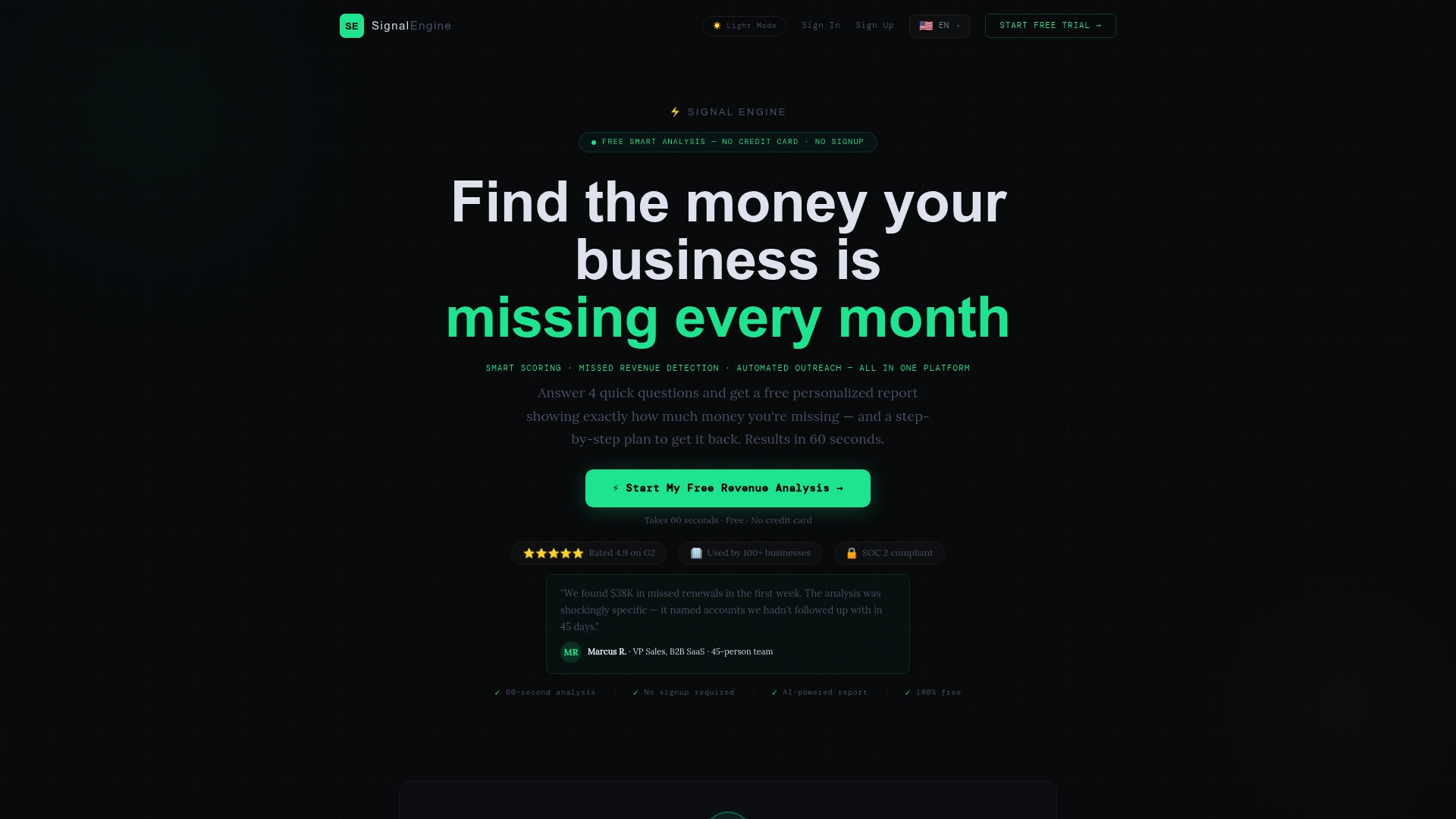
Dental practices juggling reminders, recall lists, and missed calls rarely have time to build this stack by hand. Signal Engine's dental-specific revenue intelligence tools score patients by likelihood to no-show or churn, then trigger the SMS and email sequences covered above automatically, so your front desk reviews and approves instead of building from scratch.
Pricing plans vary; for the most current details including plans and pricing, please see the client's pricing page.
Start your free 7-day trial, no credit card required. Setup takes 5 minutes.
Sources
- HHS: Are appointment reminders allowed under HIPAA without authorization? (FAQ)
- Stating appointment costs in SMS reminders reduces missed hospital appointments: two randomized trials (PLOS One)
- Text-messaging versus telephone reminders to reduce missed appointments: randomized trial (BMC Health Services Research)
- Measure dental practice success with these six KPIs (CDA)
FAQ
What is a good template for an appointment reminder text?
A simple, effective template reads: "Hi [Name], reminder of your appointment on [Date] at [Time] with Dr. [Name]. Reply Y to confirm or N to reschedule." Trials on message framing suggest adding a specific detail, like a cancellation cost, can improve confirmation rates further.
What are patient reminders in a dental practice?
Patient reminders are scheduled messages, usually sent by text, email, or phone, that confirm an upcoming appointment and give the patient a chance to confirm, reschedule, or cancel ahead of time. They typically go out at booking, about a week before, and again in the final 24 to 48 hours.
What is the 50-40-30 rule in dentistry?
There is no single, widely recognized rule tied to dental practice management or patient reminders. If you've seen such frameworks referenced elsewhere, treat them as specific sources' own frameworks rather than industry standards, and check those sources directly before applying them.
What phrases do dentists commonly use in reminder messages?
Common phrasing includes direct confirmations ("You're confirmed for..."), action prompts ("Reply Y to confirm or N to reschedule"), and plain logistics ("Please arrive 10 minutes early for paperwork"). Research on message framing found that adding a cost or social-norm cue to these phrases can lower no-show rates further than plain confirmations alone.