

TL;DR:
- Involuntary churn occurs when a customer loses access due to payment or system failures, not by choice. Fixing billing issues and using automation can recover a significant portion of these lost customers. Tracking involuntary churn carefully and implementing targeted recovery strategies helps SMBs maximize revenue retention.
Involuntary churn is when a paying customer loses access because a payment or entitlement failed — not because they chose to leave. Industry data places it at a significant portion of total SaaS churn, and most SMBs can recover a substantial fraction of those cases with operational fixes alone.
**The fastest three wins for SMBs: **
Table of Contents
- What counts as involuntary churn — and what doesn't?
- The types of involuntary churn in SaaS your team should track
- How to detect and measure involuntary churn accurately
- High-ROI prevention and recovery playbook for SMBs
- How to prioritize recoveries and billing investments
- When churn looks involuntary but signals a product problem
- How revenue intelligence detects and prevents involuntary churn
- 30/60/90-day operational checklist for SMBs
- Key Takeaways
- Why ops-first recovery beats reactive firefighting
- Signalengine catches the revenue leaks your billing system misses
- FAQ
- Useful sources and further reading
- Ready to Stop the Revenue Leak?
What counts as involuntary churn — and what doesn't?
Involuntary churn happens when a subscription ends due to a billing or system failure the customer never triggered. The customer wanted to stay. The plumbing broke.
Voluntary churn is the opposite: the customer made a conscious decision to cancel, driven by price, fit, or a competitor. The essential distinction is intent — voluntary churn signals a product or pricing problem; involuntary churn signals a billing or ops failure. Fix them with completely different tools.
Operational rule: Tag every churn event on two axes — voluntary vs. involuntary, and tenure at churn. Those two dimensions tell you which intervention to run and how urgently.
Mandatory data fields to tag an event as involuntary:
- Decline code (processor response code, e.g.,
do_not_honor,insufficient_funds) - Retry attempts (count and timestamps)
- Last successful bill date
- Payment method type (card, ACH, wallet)
- Tenure at churn (days since first successful payment)
- MRR/ARR at risk
The types of involuntary churn in SaaS your team should track
A synthesized taxonomy of processor cause codes covers roughly 95% of failed renewals. Here are the specific types, their detection signals, and the immediate fix for each.
| Churn Type | Detection Signal | Immediate Fix |
|---|---|---|
| Expired card | expired_card code; card expiry date past | Enable VAU/ABU card updater; pre-expiry email 30/7 days out |
| Insufficient funds / NSF | insufficient_funds code; recurring on month-end | Payday-aware retry (retry on 1st/15th); SMS reminder |
| Soft decline | do_not_honor, try_again_later; no hard block | Retry after 24 hrs; prompt customer to contact bank |
| Hard decline | stolen_card, lost_card, do_not_honor (permanent) | Stop retries immediately; send re-auth link to customer |
| Fraud / 3DS auth failure | authentication_required; 3DS challenge not completed | Send one-click re-auth link; flag for manual outreach |
| ACH / bank return | Return codes; 3–5 day settlement delay | Switch to card fallback; notify customer same day |
| Chargeback / refund | Dispute opened in processor dashboard | Pause retries; contact customer to resolve dispute |
| Billing system error | Internal error codes; no processor response | Audit billing config; retry after fix confirmed |
| Integration / entitlement failure | Access revoked despite payment success | Check webhook logs; restore access; notify customer |
| Compliance / regulatory cancel | Account flagged by compliance rules | Legal review; customer notification with resolution path |
| Account takeover / fraud block | Unusual login + payment block; fraud score spike | Freeze account; verify identity; restore with new credentials |
Expired cards alone account for a significant share of failed renewals. Card-updater services fix many of those cases before a single retry fires. For ACH returns, the 3–5 day settlement lag means you need same-day notification workflows — customers often don't realize their bank blocked the pull.

Pro Tip: For international customers, 3DS authentication failures are a silent killer. Your processor may silently decline the charge without notifying the customer. Always send a re-auth link within 2 hours of a 3DS failure.
How to detect and measure involuntary churn accurately
The core metric is simple: involuntary churn rate = MRR lost to failed payments ÷ starting MRR. Track it monthly, separate from voluntary churn rate.
Three additional KPIs belong in every SMB revenue dashboard:
- Recovery rate: recovered MRR ÷ MRR that entered dunning (target: 40–60%)
- Time-to-recovery: median days from first failure to payment collected
- Involuntary share of total churn: if this exceeds 20–40%, fix billing before touching product
Reporting best practices:
- Never mark a customer as churned on the first failed attempt. Use a 30-day recovery window before recording the churn event.
- Tag churn events on two axes: voluntary vs. involuntary, and tenure at churn. This is the single reporting change with the highest downstream ROI.
- Segment by billing cadence: monthly B2B SaaS involuntary churn is higher than annual contracts, because fewer renewal events means fewer failure opportunities.
| Field to Capture | Why It Matters |
|---|---|
| Decline code | Maps to the correct recovery motion |
| Processor response | Distinguishes soft vs. hard declines |
| Retry count + timestamps | Prevents over-retrying; protects processor reputation |
| Last successful bill date | Anchors tenure calculation |
| Payment method type | Identifies card vs. ACH failure patterns |
| MRR at risk | Drives prioritization of manual outreach |
High-ROI prevention and recovery playbook for SMBs
Smart dunning systems recover a substantial portion of failed payments when combined with pre-dunning, retries, and backup methods. Here's the sequence that gets there.
Pre-dunning (before failure):
- Send a card expiry email 30 days out and again 7 days out.
- Show an in-app payment-update prompt when a card is within 60 days of expiry.
- Offer a backup payment method at signup and in account settings.
Dunning flow (at and after failure):
- Day 0: Attempt charge. On soft decline, retry after 24 hours.
- Day 1: Send email — "We couldn't process your payment. Update your card here: [link]."
- Day 3: Retry (for NSF, align with payday: 1st or 15th of month).
- Day 5: SMS — "Quick heads up: your [Product] access is at risk. Tap to fix: [link]."
- Day 7: Final email with urgency framing and one-click payment link.
- Day 14: Pause access; send win-back offer if high-LTV account.
- Hard declines: stop all retries immediately. Send a re-auth link only.
Copy-ready templates:
Day 0 email subject: "Action needed: your [Product] payment didn't go through" Day 5 SMS: "Hi [Name], your [Product] subscription needs a quick fix. Update here: [link] — takes 30 sec."
Pro Tip: Enable Visa Account Updater (VAU) or Mastercard Automatic Billing Updater (ABU) through your payment processor. These services push updated card details automatically when a customer gets a new card, often before the old one even expires.
For automated churn intervention outreach, the highest-performing sequences combine email on day 0, SMS on day 5, and a personal email from a named rep on day 10 for accounts above a set MRR threshold.
How to prioritize recoveries and billing investments
Not every failed payment deserves the same effort. Segment by customer type — enterprise SaaS often sees under 1% monthly churn while SMB-focused SaaS can run 10–15% annually. Aggregate numbers hide where your actual problem lives.
| Segment | Priority | Recovery Motion |
|---|---|---|
| High MRR + mid-tenure (several months) | Highest | Manual outreach + personal email within 24 hrs |
| High MRR + early tenure (0–90 days) | High | Automated sequence + CSM follow-up |
| Low MRR + any tenure | Medium | Fully automated dunning; no manual effort |
| Annual contract + any MRR | Highest | Immediate manual outreach; revenue at risk is 12x monthly |
Quick ROI calculation: Expected recovery rate × average MRR × number of failures per month = monthly revenue recovered. At 50% recovery on 20 failed payments averaging $200 MRR, that's $2,000/month recovered from one dunning sequence.
- Automate all low-MRR retries. Reserve human time for accounts above your MRR threshold.
- Prioritize annual contracts above everything else — one recovery saves 12 months of revenue.
- Review churn signals before manual outreach to personalize the save conversation.
When churn looks involuntary but signals a product problem
A failed payment isn't always a billing problem. Sometimes it's a customer who stopped using your product and simply didn't bother canceling.
Diagnostic checklist before treating a failure as involuntary:
- Did the customer open billing notices? (If no, they may have disengaged entirely.)
- Did usage drop in the 30 days before the failure?
- Is there a support complaint or NPS drop in the 60 days prior?
- Did the customer recently downgrade or request a pause?
- Did they respond to your dunning outreach?
Action triggers:
- Usage dropped before failed payment → treat as product/value problem; route to CSM for a save conversation, not just a payment link.
- Decline code present with no usage drop → treat as billing problem; run standard dunning.
- No engagement with three dunning touchpoints → escalate to manual outreach or write off.
Detecting B2B churn before it happens means watching behavioral signals alongside billing data. A customer who hasn't logged in for 45 days and then hits a payment failure is a very different case from one who logged in yesterday.
How revenue intelligence detects and prevents involuntary churn
Manual billing audits don't scale. Revenue intelligence platforms wire detection, scoring, and outreach into a single automated loop.
The ops-first principle: If involuntary churn exceeds 20% of your total churn, optimizing dunning and payment infrastructure typically beats product changes for near-term revenue recovery. Fix the plumbing before rewriting the product roadmap.
Key features that matter for involuntary churn recovery:
- Automated decline-code tagging — flags each failure with the correct cause code and routes it to the right recovery motion
- Behavioral scoring — surfaces customers showing disengagement signals before a payment fails
- Automated email/SMS campaign triggers — fires dunning sequences based on failure type and tenure
- Prioritized workflows — surfaces high-LTV accounts for manual saves without manual sorting
- Recovery playbook automation — runs retry schedules, sends outreach, and tracks recovery rate in one dashboard
Signalengine's churn prediction tools for SMBs combine behavioral scoring with automated campaign triggers, so your team gets a prioritized list of accounts to save — not a raw export of failed payments to sort through manually.
30/60/90-day operational checklist for SMBs
Days 1–30: Quick wins
- Enable VAU/ABU card-updater through your payment processor.
- Set up a basic three-touch dunning sequence (email day 0, email day 3, SMS day 5).
- Start capturing decline codes, retry counts, and last-successful-bill-date for every failure.
- Tag all past failures in your CRM as involuntary vs. voluntary.
- Add a backup payment method prompt to your account settings page.
Days 31–60: Automate and expand
- Build decline-code-aware retry logic (stop on hard declines; payday-aware for NSF).
- Add a pre-expiry email sequence (30-day and 7-day warnings).
- Implement one-click payment update links in all dunning emails.
- Segment your dunning by MRR tier: automate low-MRR, flag high-MRR for manual review.
Days 61–90: Integrate and optimize
- Connect billing data to your revenue intelligence platform for behavioral scoring.
- Build a renewal rate improvement workflow that combines billing signals with usage data.
- Run a monthly involuntary churn review: recovery rate, time-to-recovery, share of total churn.
- Analyze ROI by failure type and double down on the highest-return recovery motions.
Key Takeaways
Involuntary churn is a billing and ops problem, not a product problem — and fixing it with card updaters, smart dunning, and behavioral scoring is the fastest path to recovered MRR for most SMBs.
| Point | Details |
|---|---|
| Tag churn on two axes | Label every event as voluntary or involuntary, and record tenure at churn, to pick the right fix. |
| Use a 30-day recovery window | Never record churn on the first failed attempt; wait through a full dunning cycle before counting the loss. |
| Card updater is the first fix | Expired cards drive roughly 30% of failures; VAU/ABU resolves many automatically before retries fire. |
| Smart dunning recovers 40–60% | Combined pre-dunning, decline-code-aware retries, and backup methods hit this recovery range. |
| Signalengine automates the loop | Signalengine scores behavior, triggers dunning sequences, and surfaces high-LTV accounts for manual saves in one dashboard. |
Why ops-first recovery beats reactive firefighting
Most revenue teams I see treat churn as a product problem first. They schedule roadmap calls, run NPS surveys, and build new onboarding flows — while a steady stream of perfectly happy customers quietly loses access because a card expired or an ACH return went unnoticed for two weeks.
The math is blunt: if a significant portion of your churn is involuntary, you can recover a meaningful share of it in 30 days with a card updater and a three-email dunning sequence. No product sprint required. That's not a small win — at $200 average MRR and 20 monthly failures, a 50% recovery rate is $2,000 back in your pocket every month, compounding.
The harder truth is that reactive firefighting feels productive. Sending a personal email to a churned customer feels like doing something. But the accounts that needed a re-auth link two weeks ago are already gone. The ops-first approach catches them before the failure becomes permanent. Build the plumbing, automate the retries, and save your manual effort for the high-MRR accounts that genuinely need a human conversation.
Signalengine catches the revenue leaks your billing system misses
Most billing tools tell you a payment failed. Signalengine tells you which customer is about to fail, why, and exactly what to send them before the charge even runs.
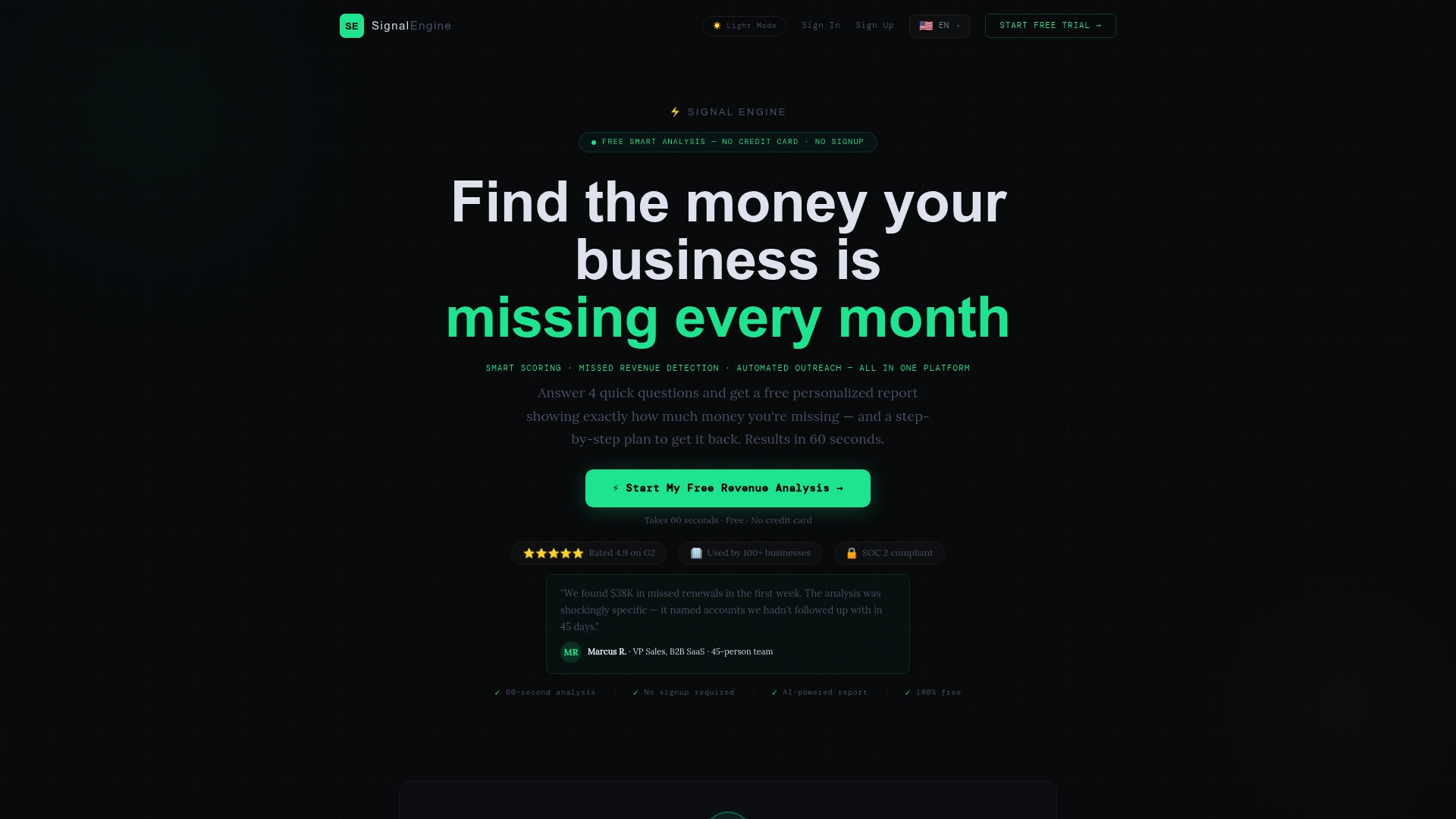
For SMBs managing subscriptions across multiple verticals, that difference is real money. Signalengine's revenue intelligence platform automatically scores customer behavior, flags accounts showing disengagement signals, fires dunning sequences by decline type, and surfaces your highest-LTV at-risk accounts for manual saves — all from one dashboard starting at $49/month.
No spreadsheet sorting. No manual billing audits. Just a prioritized list of accounts to recover, with the outreach already drafted. Book a live demo and see how fast the setup takes.
FAQ
What is the difference between voluntary and involuntary churn?
Voluntary churn is when a customer actively cancels; involuntary churn is when access ends due to a payment failure the customer never intended. Involuntary churn accounts for 20–40% of total SaaS churn and is the fastest category to recover.
What are the most common types of involuntary churn in SaaS?
Expired cards, insufficient funds, soft declines, hard declines, fraud or 3DS authentication failures, ACH returns, chargebacks, billing system errors, and integration or entitlement failures cover the vast majority of cases.
How do you measure involuntary churn rate?
Divide MRR lost to failed payments by starting MRR for the period. Track recovery rate and time-to-recovery alongside it, and use a 30-day recovery window before recording the churn event.
What is the fastest fix for involuntary churn?
Enabling a card-updater service (VAU or ABU) is the single fastest fix, since expired cards drive roughly 30% of failures and updaters resolve many automatically. Pair it with a basic dunning sequence for the remaining failure types.
Can Signalengine help reduce involuntary churn automatically?
Yes. Signalengine scores customer behavior, triggers dunning campaigns by decline type, and flags high-LTV accounts for manual saves — all from one dashboard built for SMBs.
Useful sources and further reading
Key sources used in this article:
- Involuntary Churn: The Silent Killer in SaaS — ChurnBase: taxonomy, expired-card share, monthly vs. annual cadence benchmarks
- What Is Involuntary Churn? Definition, Causes, and How to Fix It — ChurnTools: cause-code taxonomy, tagging best practices
- The State of SaaS Churn — ChurnTools: 40–60% recovery rate benchmark, dunning ROI
- Guide to Involuntary Churn in SaaS — Dunlo: 30-day recovery window guidance, retry logic
- SaaS Churn Rate Benchmarks — ivristech: SMB vs. enterprise churn baselines, segmentation guidance
- Involuntary Churn 101 — Stripe: intent distinction, operational fix framework
Ready to Stop the Revenue Leak?
Signal Engine gives small and local businesses 31 AI-powered tools to score leads by buying intent, predict churn before it happens, auto-generate email and SMS campaigns, and recover missed calls automatically — all in one dashboard starting at $49/month.
Start your free 7-day trial — no credit card required. Setup takes 5 minutes.