

TL;DR:
- Automated client communication workflows save consultants over 300 hours annually and reduce no-shows by up to 60%.
- They rely on event triggers, personalized messaging, and integrated platforms to handle routine interactions efficiently.
- Starting with high-frequency, low-judgment tasks ensures smooth automation and prevents process breakdowns.
Automated client communication workflow is the practice of using event-based triggers, pre-built message sequences, and system integrations to handle routine consultant-client interactions without manual effort. Consultants who build these workflows recover 6.2–20 hours weekly and reduce client no-shows by 40–60%. That time compounds fast. Across a year, even the lower end of that range equals more than 300 hours returned to billable work. The tasks most commonly replaced include client onboarding messages, project status updates, invoice reminders, and meeting follow-ups. Getting this right requires more than picking a tool. It requires a deliberate sequence: map your friction points, choose the right platforms, build personalized flows, and measure what changes.
How to automate consultant client communication workflow
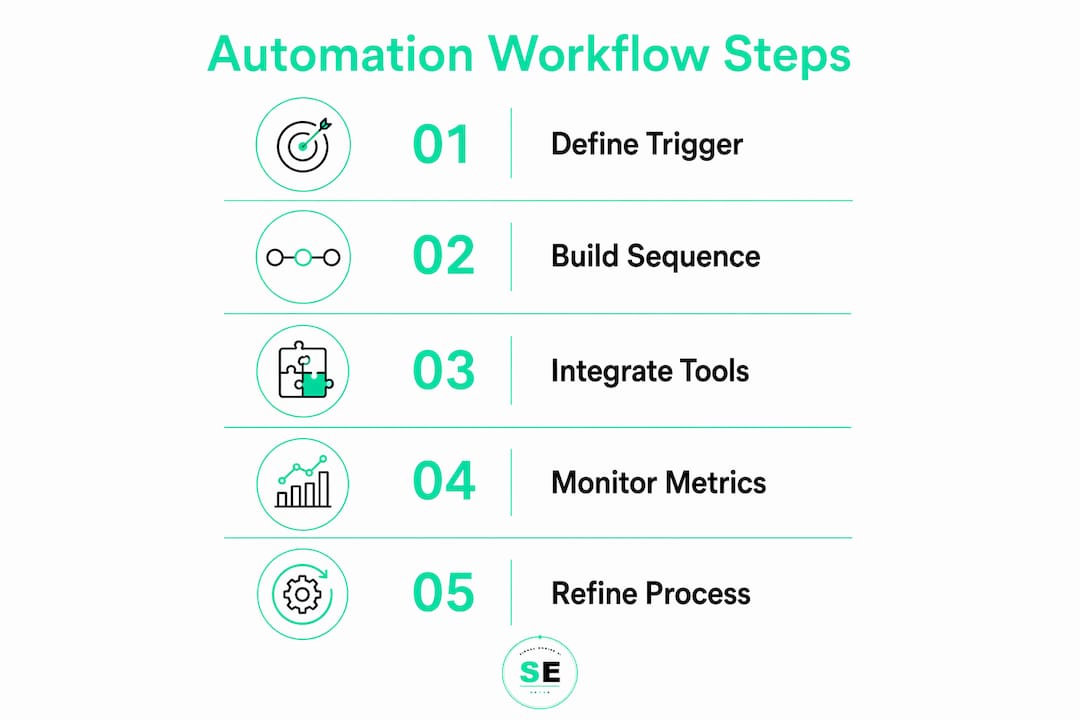
The foundation of any automated communication system is the trigger. A trigger is an event that fires a message automatically. Common examples include a signed contract, a completed project milestone, a missed payment, or a meeting that just ended. Without clearly defined triggers, automation produces noise instead of value.

The industry term for this approach is workflow automation, specifically applied to client communication sequences. You may also hear it called "client engagement automation" or "communication orchestration." All three describe the same core mechanic: an event happens, a rule fires, a message goes out.
Platforms like Zapier, Make (formerly Integromat), and n8n serve as the connective tissue between your tools. They watch for trigger events across your CRM, calendar, and project management software, then push the right message through the right channel at the right time. Zapier suits consultants who want a no-code setup. n8n suits those who want self-hosted control and lower per-task costs.
Your communication channels matter as much as your triggers. Email sequences handle onboarding and status updates well. SMS works for appointment reminders and urgent follow-ups. Slack or Microsoft Teams works for clients who prefer async collaboration. The best automated client communication setups use at least two channels, matched to client preference.
What tools do you need for consultant workflow automation?
Choosing the right stack prevents the most common failure mode: building automation on top of tools that don't talk to each other. The table below maps the three core categories you need to cover.
| Category | Function | Examples |
|---|---|---|
| Automation platform | Connects apps, fires triggers, routes logic | Zapier, Make, n8n |
| CRM | Stores client data, tracks engagement history | HubSpot CRM, Zoho CRM |
| Communication channel | Delivers messages to clients | Email, SMS, Slack, Microsoft Teams |
Software costs range from under $100/month for solo consultants to $650/month for enterprise-grade solutions. That range reflects the difference between a single Zapier plan paired with a free CRM tier versus a full enterprise CRM with native automation and dedicated support.
Solo consultants should start with a free or low-cost CRM and one automation platform. Add a dedicated email sequence tool once you have more than 20 active clients. Firms with multiple consultants need a CRM that supports shared pipelines and role-based access so automated messages reflect the right consultant's name and context.
The most overlooked tool category is the project management integration. When your project management software (Asana, ClickUp, or Notion) connects to your automation platform, milestone completions automatically trigger client status updates. That single connection eliminates one of the most time-consuming manual tasks in consulting.
Pro Tip: Before buying any new tool, check whether your existing CRM has a native automation builder. HubSpot, Zoho, and several others include basic workflow automation at no extra cost. Use what you already pay for before adding another subscription.
How do you design effective automated communication sequences?
Effective sequences follow a clear if/then logic. If a client signs a contract, then send a welcome email within 10 minutes and schedule a kickoff reminder for 48 hours later. If a milestone is marked complete, then send a status update with a link to the deliverable. Every node in the sequence has a condition and an action.
The recommended implementation order for solo consultants prioritizes the highest-pain stages first:
- Lead intake — Auto-confirm inquiries and send intake forms immediately.
- Invoice reminders — Trigger payment reminders at 3 days, 7 days, and 14 days past due.
- Kickoff sequence — Send welcome messages, agenda links, and prep materials after contract signing.
- Delivery updates — Push automated status messages when milestones are completed.
- Discovery follow-up — Send post-call summaries and next-step confirmations within 30 minutes of a meeting ending.
- Wrap-up and review request — Trigger a project close message and review request 24 hours after final delivery.
The most critical design decision is the human-review gate. AI-drafted messages for high-stakes communication should route to the consultant for approval before sending. This applies to contract disputes, scope change discussions, and any message that carries legal or financial weight. For routine messages like invoice reminders and status updates, full automation is safe.
Mapping your sequences visually before building them saves hours of rework. Use a simple flowchart tool to sketch each trigger, condition, and message. Identify every point where a client response could branch the flow in a different direction. Build those branches before launch, not after.
Pro Tip: Start with high-frequency, low-judgment tasks. Invoice reminders and lead intake confirmations are perfect first automations. They repeat constantly, require no nuance, and free up mental energy immediately.
What mistakes should you avoid when automating client communications?
The most expensive mistake is automating an unstable process. If your manual workflow for onboarding is inconsistent, automating it locks in the inconsistency at scale. Fix the process first, then automate it.
Common pitfalls and how to avoid them:
- Automation sprawl. Adding too many tools creates maintenance debt. Stage your deployment by starting with lead intake and billing before moving to delivery and wrap-up.
- Robotic tone. Template-only messages feel cold. Context injection pulls project notes, client names, and recent activity into messages to keep them personal.
- No monitoring plan. Automated workflows drift. A message that reads well at launch can feel off-tone three months later as your client base changes.
- Skipping the 30-day review. Post-launch monitoring catches tone drift and logic errors before they reach dozens of clients.
- Over-automating sensitive conversations. Scope changes, complaints, and pricing discussions require a human voice. Automation should flag these for personal follow-up, not handle them.
Starting with metrics rather than tools prevents sprawl before it starts. Define what you want to measure (time saved, no-show rate, review count) before you build anything. That clarity tells you exactly which workflows to automate first and which to leave alone.
The role of AI tools in client analysis is expanding fast, but the consultants who get the most value are the ones who treat automation as a way to reduce drag on low-judgment tasks, not as a replacement for client relationships.
How do you measure success in your automated workflow?
The three core metrics for consultant workflow automation are time saved per week, reduction in client no-shows, and increase in review collection. Tracking these three metrics gives you a clear ROI picture within 60 days of launch.
| Metric | Pre-automation baseline | Post-automation target |
|---|---|---|
| Hours spent on admin per week | 8–15 hours | 2–4 hours |
| Client no-show rate | 20–30% | 8–15% |
| Review collection rate | 5–10% of clients | 20–40% of clients |
| Invoice payment lag | 14–21 days | 5–10 days |
The table above reflects typical ranges, not guarantees. Your actual results depend on your client volume, the quality of your sequences, and how consistently you monitor and adjust.
Set up a simple dashboard that pulls data from your CRM and automation platform weekly. Track each metric against your pre-automation baseline. If no-show rates are not dropping after 30 days, check whether your reminder sequence is firing at the right intervals. If review collection is flat, check whether your wrap-up message is landing in spam or arriving too late after project close.
Automated client reporting can feed directly into this measurement loop. When your reporting workflow is automated, you get consistent data without manual data pulls, which makes trend analysis far more reliable.
Feedback loops matter as much as dashboards. Ask clients directly whether your communication cadence feels right. A short, automated post-project survey (three questions, sent 48 hours after wrap-up) gives you qualitative data that metrics alone cannot capture.
Key Takeaways
Consultants who automate client communication workflows recover significant time, reduce no-shows, and improve review rates by building trigger-based sequences with human-review gates for sensitive messages.
| Point | Details |
|---|---|
| Start with high-pain tasks | Automate lead intake and invoice reminders before tackling complex delivery sequences. |
| Use context injection | Pull project notes and client data into messages to prevent robotic, template-only tone. |
| Build human-review gates | Route high-stakes messages to consultant approval before sending to protect client trust. |
| Track three core metrics | Measure time saved, no-show reduction, and review lift to confirm ROI within 60 days. |
| Stage your rollout | Deploy in phases (lead intake, billing, kickoff, delivery, wrap-up) to avoid automation sprawl. |
What I've learned after watching consultants automate too fast
The consultants who struggle most with automation are not the ones who move too slowly. They are the ones who automate everything at once and then spend months untangling broken sequences and apologizing to clients for cold, off-brand messages.
The best results I've seen come from a counterintuitive approach: start with the most boring task you do every week. Not the most impressive automation you can imagine. The boring one. Invoice reminders. Lead intake confirmations. Meeting prep emails. These tasks repeat constantly, require zero judgment, and eat time you should be spending on actual consulting work.
Context-aware messaging is the single biggest differentiator between automation that clients notice (in a bad way) and automation that feels like a natural extension of your service. When a status update references the client's actual project name, their last conversation with you, and the specific milestone just completed, it does not feel automated. It feels attentive.
The human-in-the-loop principle is not a limitation. It is a feature. Keeping yourself in the approval chain for sensitive messages means you catch errors before they damage relationships. As your sequences mature and prove reliable, you can gradually reduce those gates. But in the first 90 days, more oversight is always the right call.
My honest advice: partner with someone who has built these workflows before, even if just for the initial architecture. A few hours of expert setup prevents months of troubleshooting. And always run a 30-day post-launch review before you scale anything firm-wide.
— Bernard
How Signalengine helps consultants automate client engagement
Consultants need a system that watches client behavior, flags who needs follow-up, and fires the right message at the right time without requiring manual oversight. Signalengine is built for exactly that.
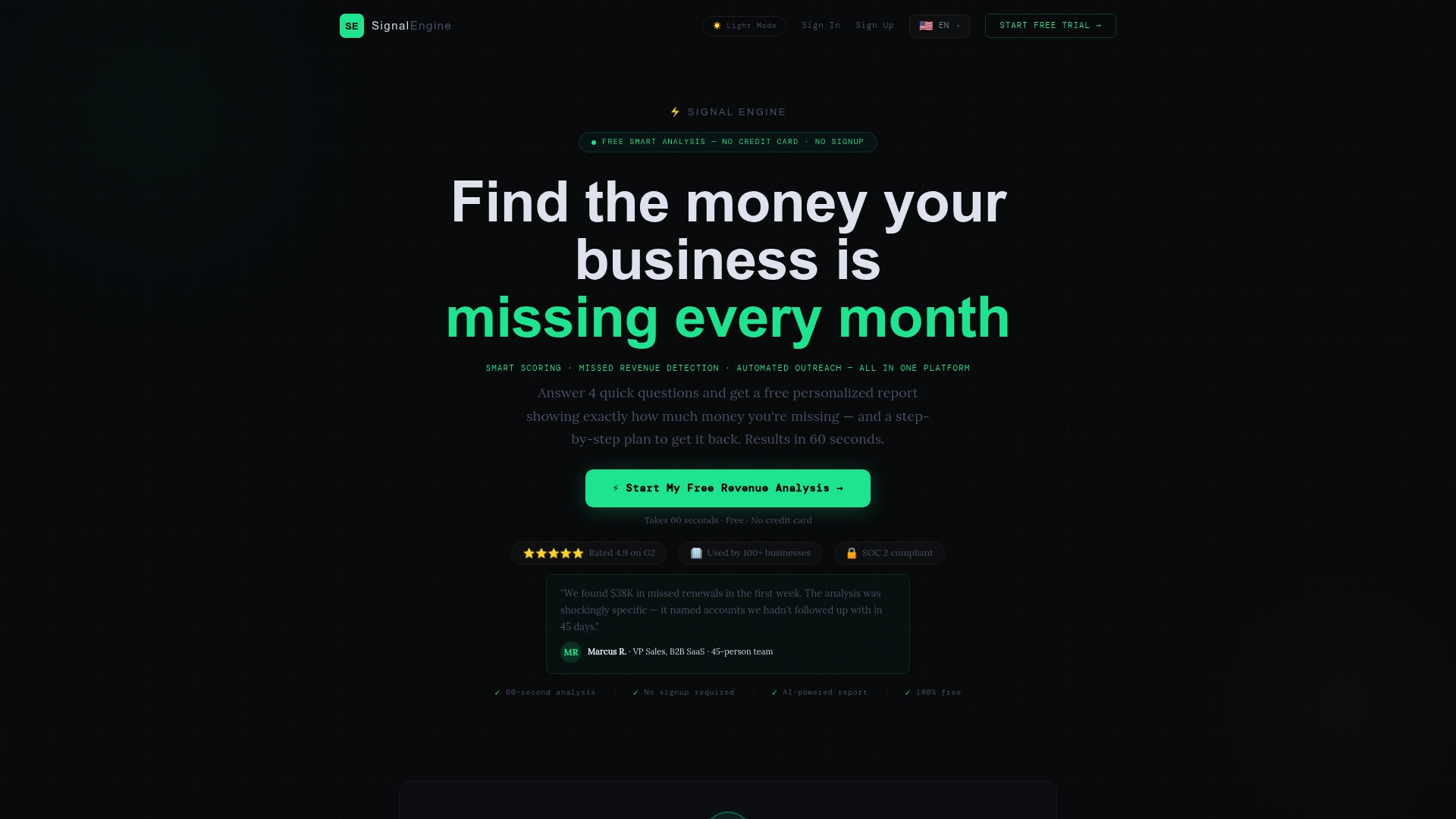
Signalengine's AI-powered tools for service businesses score client engagement automatically, detect early signs of disengagement, and trigger outreach before a client goes quiet. The platform connects to your existing workflow in minutes and starts surfacing signals immediately. For consultants managing multiple active clients, the revenue intelligence dashboard gives you a single view of who needs attention, who is at risk, and where your next opportunity sits. Setup takes under five minutes, and pricing starts at $49/month.
FAQ
What is an automated client communication workflow?
An automated client communication workflow is a system of event-based triggers and pre-built message sequences that send the right communication to clients without manual effort. Common triggers include contract signing, milestone completion, and invoice due dates.
How long does it take to implement consultant workflow automation?
End-to-end implementation typically takes 4–8 weeks, depending on the complexity of your existing processes and the number of tools being integrated. Solo consultants with simple workflows can complete a basic setup in under two weeks.
How do I keep automated messages from sounding robotic?
Use context injection to pull real project data, client names, and recent activity into each message. Context-aware messaging built from CRM notes and email threads keeps your voice consistent and prevents template fatigue.
What should I automate first as a solo consultant?
Start with lead intake confirmations and invoice reminders. These tasks repeat at high frequency, require no judgment, and deliver immediate time savings without risking client relationships.
How do I know if my automation is working?
Track three metrics weekly: hours saved on admin, client no-show rate, and review collection rate. Compare each against your pre-automation baseline and adjust your sequences if results plateau after 30 days.
Ready to Stop the Revenue Leak?
Signal Engine gives small and local businesses 31 AI-powered tools to score leads by buying intent, predict churn before it happens, auto-generate email and SMS campaigns, and recover missed calls automatically — all in one dashboard starting at $49/month.
Start your free 7-day trial — no credit card required. Setup takes 5 minutes.