

A call disposition code is a short label an agent or software attaches to a call when it ends, recording how it turned out: interested, no answer, wrong number, callback needed. To "disposition" a call means to pick that label. Done well, it turns every call into a data point you can report on and act on. Done badly, it becomes a pile of guesses. 📞
Below you get a working list of codes you can copy, a method to build your own, what the Cisco contact center codes mean, and the mistakes that quietly kill reporting.
TL;DR
- A disposition code records the outcome of a call. One label per call, picked at the end, tied to a next step.
- Start small. Aim for roughly 8 to 12 codes that match your real workflow, then add only when a gap shows up.
- Every code needs an action. If a code does not change what your team does next, cut it.
- Separate outcome from notes. The code says what happened; the note says why and what was said.
- Audit monthly. Sample calls, compare them to the codes chosen, and fix vague definitions.
Table of Contents
- What call disposition codes are
- Common call disposition codes and what they mean
- How the Cisco UCCE and PCCE disposition codes work
- How agents assign dispositions on inbound and outbound calls
- How to build a set of codes that your team will use
- Mistakes that wreck disposition data
- Turning dispositions into follow-up, reporting and retention
- Where Signal Engine fits in
- FAQ
- Sources
- Ready to Stop the Revenue Leak?
What call disposition codes are
Call disposition codes are shorthand used by call center agents or software to keep track of what happened on a call. They are also called activity codes, wrap-up codes or outcome tags. The name changes by platform; the job does not.
A code answers one question: what was the result of this call? It does not tell the whole story. That is what notes are for. But a code is structured, so you can count it, filter by it, and trigger something off it.
That last part is where the value sits. A free-text note like "left vm, try Thursday" is readable by one person. A code like Voicemail left can:
- Put the lead back in a call queue for the next business day.
- Send a text that references the missed connection.
- Roll up into a weekly report showing how many calls reached a human.
Disposition vs. status vs. notes
These three get mixed up constantly, and mixing them is the root of messy data.
| Field | Answers | Example | Changes when |
|---|---|---|---|
| Disposition | How did this call end? | Reached, interested | Every call |
| Lead or deal status | Where is this person in your pipeline? | Estimate sent | When the relationship moves |
| Notes | What was said, and what matters? | "Wants a quote before the 15th" | Every call, free text |
One call, one disposition. Status is a separate field that may change as a result. If you find yourself writing "Quote sent" as both, decide which field owns it.
Common call disposition codes and what they mean
There is no universal standard for business teams. Every team builds its own list. Still, the same outcomes show up everywhere, and they fall into three groups: the call did not connect, the call connected and went nowhere, and the call connected and moved something forward.
Calls that did not connect
| Code | Meaning | Typical next step |
|---|---|---|
| No answer | Rang out, no voicemail | Retry at a different time of day |
| Voicemail left | You left a message | Follow-up text or email, retry in 1 to 2 days |
| Busy | Line was engaged | Retry within the hour |
| Wrong number | Reached someone else | Remove or correct the record |
| Invalid or disconnected number | Call could not be placed | Find another contact method |
Calls that connected but did not advance
| Code | Meaning | Typical next step |
|---|---|---|
| Not interested | Clear no | Stop outreach; review the reason for patterns |
| Do not contact | Asked to be removed | Suppress the number from all calls and texts immediately |
| Gatekeeper | Reached a receptionist, not the decision maker | Ask for the best time or direct line |
| Out of area or not a fit | Outside your service area or offer | Close out; log the reason |
Calls that moved something forward
| Code | Meaning | Typical next step |
|---|---|---|
| Interested, follow-up needed | Open to a next conversation | Schedule a task with a date |
| Callback requested | Asked you to call at a specific time | Set a reminder for that time |
| Appointment booked | Date and time confirmed | Confirmation message, reminder sequence |
| Quote or estimate requested | Needs pricing | Send a quote, then a check-in |
| Sale closed | Won | Onboarding, then a review request |
For service teams, the booking-related codes deserve extra detail. "Booked" alone hides whether it was a same-day emergency or a seasonal tune-up scheduled three weeks out. Splitting those two gives you cleaner capacity planning and a better view of what your marketing actually produces.
Examples by team type
- Sales and outbound prospecting: Connected, Interested, Demo booked, Not the decision maker, Not interested, Do not contact.
- Customer service and support: Resolved, Escalated, Needs callback, Waiting on customer, Billing issue, Complaint.
- Healthcare and dental offices: Appointment scheduled, Appointment rescheduled, Cancellation, Message taken, Referral received, Insurance question.
- Home services (HVAC, plumbing, landscaping): Booked job, Estimate sent, Waiting on decision, Declined on price, Emergency escalated, Out of area.
- Churches and nonprofits: Pastoral care needed, Visitor follow-up, Volunteer interest, Giving question, Event RSVP.
How the Cisco UCCE and PCCE disposition codes work
If you landed here searching for Cisco codes, that is a different animal. In Cisco Unified Contact Center Enterprise, the Call Disposition field is a system-generated number that records how a call ended from the platform's point of view, not what the customer said. Agents do not pick these.
Per a breakdown of the Termination Call Detail table, the first values include:
| Code | Name | Plain-English meaning |
|---|---|---|
| 1 | Abandoned in Network | The caller hung up while still in the carrier network, before reaching your queue |
| 2 | Abandoned in Local Queue | The caller hung up while waiting in a local queue |
| 3 | Abandoned Ring | The caller hung up while the phone was ringing at the agent |
| 4 | Abandoned Delay | The call was abandoned without being answered, but not while ringing |
The full table continues with handled, short, error and transfer outcomes. For exact definitions in your version, use Cisco's own field-values documentation for your release. These are technical termination reasons. The business-outcome codes in the previous section are a separate layer you add on top, whether in a CRM, a dialer or a revenue platform.
If abandoned calls are your pain point, our guide on cutting abandoned calls with callbacks and live ETAs covers the fixes.
How agents assign dispositions on inbound and outbound calls
The mechanics are simple. The discipline is hard.
Manual selection
The call ends, a wrap-up screen opens, and the agent picks one code from a dropdown. Some teams add a required note field for specific codes, such as "Not interested" needing a reason.
This works when the list is short and the screen is fast. It breaks when agents are under pressure to hit handle-time targets and pick whatever is closest to the top.
Automatic or rule-based dispositions
Some outcomes do not need a human at all. A call that rings out with no answer, hits a disconnected tone, or goes to voicemail can be tagged by the system. Rules can also tag a call after the fact, for instance marking any call under ten seconds as "Short, no conversation."

Automation saves time but needs a fallback. If a trigger fails, calls pile up untagged. Build a catch-all code and a daily check for calls with no disposition.
Inbound vs. outbound
- Inbound: Codes lean toward reason and resolution: Booking request, Pricing question, Complaint, Resolved, Escalated. The caller started the conversation, so the key data is why they called.
- Outbound: Codes lean toward contact result and intent: No answer, Voicemail, Connected, Interested, Callback. You started the conversation, so the key data is whether you reached a person and what they want next.
Missed inbound calls are their own category worth tracking. Each one is a potential customer who went to the next business on the list. A code such as Missed, text sent followed by Recovered, booked lets you measure exactly how much revenue comes back. See how that looks in practice in our 30-day plan to recover HVAC missed calls.
How to build a set of codes that your team will use
The design tension is real: codes must be specific enough to give you actionable insight, yet limited enough that people can choose correctly under time pressure. Call Centre Helper's guide makes the same point: too many codes encourage random selection, while overly broad ones hide what you need to know.
Here is a process that holds up.
- List what you do after a call. Write down every next action your team takes: call back, send a quote, book a visit, drop the lead, escalate.
- Create one code per distinct action. If two outcomes lead to the same next step, merge them.
- Keep it to about 8 to 12 codes. You can add more later. Removing codes after people have learned them is much harder.
- Write a one-line definition for each. Include a edge-case rule, such as "Voicemail left means a message was actually recorded, not just that the call rang out."
- Separate outcome from notes. The code is the result; details go in the note.
- Use one naming convention. Pick "No answer" or "No contact" and ban every other spelling. Free-text fields invite a dozen variants of the same thing.
- Pilot for two weeks. Have a manager read 20 calls against their codes and fix confusion before rolling out.
- Review every quarter. Look at which codes are never used, which are overused, and where "Other" is a dumping ground.
The "does it change what we do next?" test is the sharpest cut. A code for "Caller was friendly" feels informative, but nothing happens differently because of it. That belongs in a note.
Clarity in what you call things matters beyond the phone, too. When the language on your website, your calls and your handover to sales does not match, prospects feel it. This look at brand clarity in the sales handover shows how mismatched messaging shows up on the very call you are about to code.
Mistakes that wreck disposition data
Too many codes
A list of 40 codes looks thorough on paper. In practice, agents stop reading it and pick the same two or three, so your reports show a lot of the same thing. Fewer, sharper codes beat long lists.
Vague codes
"Follow up" tells you almost nothing. Follow up with whom, doing what, by when? Replace it with Callback requested (time set by customer) and Follow-up: sending info (you owe them something).
Pressure to finish fast
If wrap-up time is measured and punished, agents click anything. Coach for accuracy of outcomes, not just speed, and make the wrap-up screen quick to use.
No auditing
Nobody checks, so drift sets in. Spot-check a sample of calls every month and compare the recording or notes with the code chosen. Show reps the gaps without blame, then tighten the definitions.
Over-automation with no fallback
Automated tagging is great until a rule breaks. Add a catch-all code and an alert when calls arrive with no disposition for a day.
Codes that never feed anything
The most common failure. The data sits in a field and nobody uses it. Every code should connect to a task, a message, a report or a segment. If it does not, it is decoration.
Turning dispositions into follow-up, reporting and retention
Codes become valuable when they drive something. Here is where small teams usually see the first return.
Follow-up that happens on time. Callback requested creates a task with the time the customer gave. Voicemail left triggers a text. Estimate sent starts a check-in sequence. Our follow-up cadence with 10 touch templates shows what those next steps can look like for cold leads.
Reporting you can trust. With clean codes you can answer real questions. What share of calls reach a person? Which source produces the most booked jobs? How many estimates are waiting on a decision? How many calls end in "Declined on price"?

Retention signals. A customer whose last three calls were Complaint, Billing issue and Needs callback is telling you something. Dispositions let you spot that pattern before the customer leaves, as long as the data is consistent.
Cleaner CRM data. Consistent codes cut duplicate and stale records. Pair them with a regular cleanup routine, like the 30/90/180-day CRM data hygiene plan.
Our take on dispositions
We see the same pattern in small service businesses. The calls get made, the codes get picked, and then nobody looks at them. The data is there, but it never turns into money.
That is why we think a disposition code should be the start of an action, not the end of a record. Our platform is built around scoring every customer on buy-readiness, flagging who is about to churn, and drafting the next action. Everything waits for one-click approval before it reaches a real customer.
Our advice: keep the list short, tie each code to a next step, and let software do the repetitive follow-up. Your team should spend its time on conversations, not on typing the same text for the fifth time that day.
Bernard
Where Signal Engine fits in
If your dispositions live in a spreadsheet or a phone system nobody opens, Signal Engine can help you act on them. ⚡ It is an AI revenue intelligence platform built for small businesses. It scores leads on buying intent, flags churn risk, recovers missed calls automatically and drafts email and SMS follow-ups for your approval.
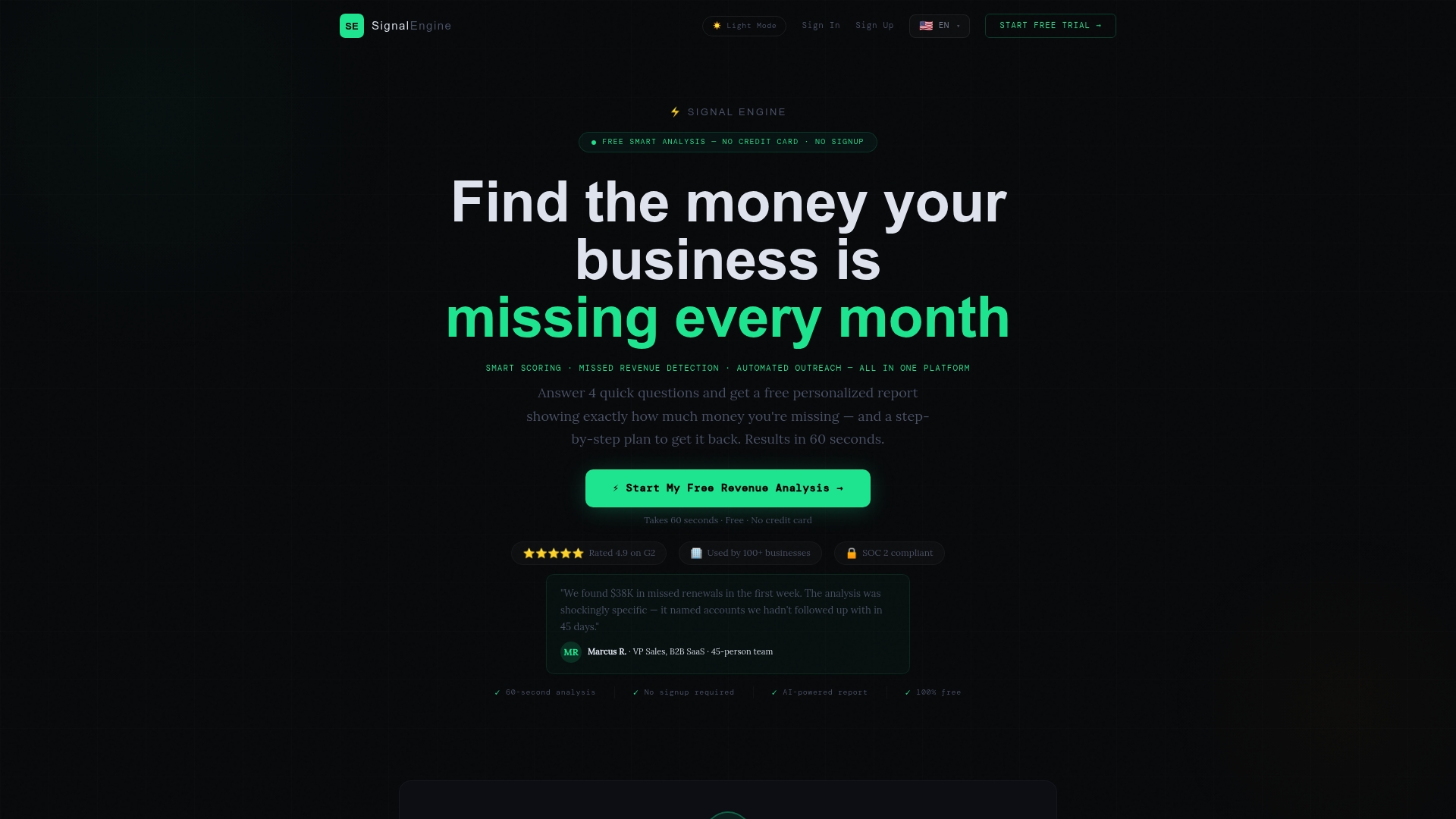
You can see how it works on the missed call recovery page, review the plans and pricing, or get a feel for the setup in the interactive tutorial. If you run a local service business, our page for local service businesses shows how it applies to your trade.
FAQ
What are disposition codes in a call center?
They are short labels agents or software apply at the end of a call to record its outcome, such as "interested," "no answer" or "resolved." They make calls countable and searchable. They also trigger follow-up actions and feed reports.
What does it mean to disposition a call?
To disposition a call is to assign it an outcome code once it ends. In many systems the agent does this on a wrap-up screen. Some outcomes, like no answer or disconnected number, can be tagged automatically.
How many call disposition codes should we have?
For most small teams, around 8 to 12 is a practical starting point. Add a code only when a real, repeated outcome needs its own next step. Too many options push agents to guess, and too few hide useful detail.
Are Cisco UCCE disposition codes the same as business outcome codes?
No. Cisco's Call Disposition field is a system number describing how the call terminated, such as abandoned in network or abandoned while ringing. Business outcome codes like "booked" or "not interested" are a separate layer your team defines in a CRM or dialer.
Sources
- Disposition Code, CallCenterAdvisor
- A Guide to Call Disposition Codes, Call Centre Helper
- Cisco UCCE PCCE Call Disposition Codes, Comstice
- Where Brand Clarity Breaks Down in the Sales Handover
Ready to Stop the Revenue Leak?
Signal Engine gives small and local businesses 31 AI-powered tools to score leads by buying intent, predict churn before it happens, auto-generate email and SMS campaigns, and recover missed calls automatically — all in one dashboard starting at $49/month.
Start your free 7-day trial — no credit card required. Setup takes 5 minutes.