

If your emails are landing in spam, the fix almost always comes down to three things: proving who you are (SPF, DKIM, DMARC), sending only to people who want your email, and keeping complaints close to zero. Do those well and most small businesses see their mail reach the inbox. Skip them and no subject line trick will save you.
This guide walks you through how to check where your mail lands, what the big mailbox providers expect, and a 30-day plan you can run without a deliverability consultant.
TL;DR
- Deliverability is not delivery. A message can be accepted by the receiving server and still go to spam. Measure inbox placement, not just sends.
- Authenticate first. Set up SPF, DKIM and DMARC on the domain you send from. Gmail requires SPF or DKIM from every sender and all three from bulk senders.
- Keep complaints tiny. Google asks senders to stay under a 0.30% spam rate in Postmaster Tools. Aim far lower.
- Send to engaged people. Clean lists, honest opt-ins, easy unsubscribes and relevant messages build the reputation that earns inbox placement.
- Ramp up slowly. New domains and sudden volume jumps look like spam. Grow volume in steps.
Table of Contents
- Sent, delivered, inboxed: why the difference matters
- How to tell whether your emails are going to spam
- What the big mailbox providers require
- Authentication: the three records that prove you are you
- What commonly sends business email to spam
- Build sender reputation the slow, boring way
- Metrics to watch and the warning signs
- A 30-day plan to fix emails going to spam
- Our perspective
- Put targeting to work with Signal Engine
- FAQ
- Sources
- Ready to Stop the Revenue Leak?
Sent, delivered, inboxed: why the difference matters
Three things get confused all the time:
- Sent: your email platform released the message.
- Delivered: the receiving server accepted it.
- Inboxed: the mailbox provider put it in the primary inbox instead of spam or a promotions tab.
Deliverability is the third one. As Clay's deliverability guide puts it, your sender reputation, authentication and list quality decide whether an accepted message reaches the inbox. A DNSimple help article makes the same point from the numbers side: a 99% delivery rate only means almost nothing bounced. It says nothing about how many messages reached the inbox.
That is why a dashboard showing "98% delivered" can sit next to a pipeline that has gone quiet. If you want a plain-language refresher on the channel itself, this overview of email marketing basics covers where deliverability fits in cost-effective growth.
How to tell whether your emails are going to spam
Don't guess. Run these checks in about an hour.
- Seed test yourself. Send the same campaign to a free Gmail, an Outlook.com and a Yahoo address you control. Check inbox, spam and promotions tabs on each.
- Ask real customers. Pick five friendly customers on different providers and ask where your last email landed. A quick text works.
- Read your bounces. Hard bounces (the address does not exist) and blocks (the provider refused you) tell different stories. Blocks point to reputation problems.
- Watch replies and clicks. If engagement fell off a cliff on one provider only, that provider is probably filtering you.
- Open Google Postmaster Tools. If you send to Gmail addresses, register your sending domain. It shows your spam rate and domain reputation as Google sees them.
First work out whether the problem is one provider or all of them. One provider points to a reputation or content issue with that provider. Everywhere points to authentication or list quality.
What the big mailbox providers require
Since 2024, Gmail has had written rules for senders. According to Google's email sender guidelines, every sender needs SPF or DKIM for its domain, and bulk senders (those sending about 5,000 or more messages a day to Gmail accounts) need SPF, DKIM and DMARC. The same page asks you to keep your spam rate in Postmaster Tools below 0.30%, and bulk marketing senders must also offer one-click unsubscribe.

Microsoft followed. Outlook.com began enforcing SPF, DKIM and DMARC for high-volume senders from May 5, 2025, routing non-compliant mail to junk and then rejecting it.
Most small businesses send far fewer than 5,000 emails a day, so the bulk rules may not formally apply to you. Treat them as the standard anyway. Providers judge small senders with the same signals, and a setup that meets the bulk bar is a setup that rarely gets filtered.
Authentication: the three records that prove you are you
These are DNS records you or your web host add to your domain. Cisco's deployment guide describes the roles this way:
| Record | What it does | Plain-English version |
|---|---|---|
| SPF | Lists the servers allowed to send for your domain | "These are my mail senders." |
| DKIM | Adds a cryptographic signature to each message | "This message was not altered and really came from my domain." |
| DMARC | Ties SPF and DKIM to the visible From address, sets what receivers do on failure (none, quarantine, reject) and sends you reports | "Here is what to do with fakes, and tell me about them." |
A sensible rollout
- List every tool that sends as your domain. Your email platform, CRM, invoicing software, appointment reminders and website forms all count. A forgotten sender is the most common reason authentication fails.
- Publish SPF covering those senders, in one record. Two SPF records on one domain break each other.
- Turn on DKIM in each sending tool and publish the key it gives you.
- Start DMARC at p=none with a reporting address. Google's rules accept a none policy for bulk senders, and it lets you see who is sending as you before you enforce anything.
- Tighten gradually to quarantine, then reject, once the reports show only legitimate mail passing.
Use a free DMARC or SPF checker afterward to confirm the records are valid and aligned with the address people see in the From line.
What commonly sends business email to spam
Most spam-folder problems trace back to a short list of causes:
- Missing or broken authentication, including a forgotten third-party sender.
- A purchased, scraped or very old list. Dead addresses bounce, and recycled ones can be spam traps.
- Sudden volume jumps. Going from 200 emails a month to 5,000 in a day looks like a hijacked account.
- High complaint rates. People who don't remember signing up hit the spam button.
- Hidden or broken unsubscribe links. If leaving is hard, reporting spam is easy.
- Mismatched details. A From name that says one business, a link domain that says another and a reply-to that goes somewhere else.
- Image-only or link-heavy messages with little real text.
- Shared sending reputation. On cheap shared infrastructure, another sender's bad behavior can touch you.
Notice what is not on the list: a single "spam word." Content matters, but mostly as a signal of whether recipients want the message. Engagement and complaints carry more weight than any banned-phrase list.
Build sender reputation the slow, boring way
Reputation is the sum of your sending history. Providers watch how recipients treat you: do they open, reply, click, delete unread or report you? The way to build a good one is simple and a little unglamorous.
Keep your list honest
- Collect addresses with clear consent: a form, a checkout box, a front-desk sign-up.
- Confirm new sign-ups when you can, so typos and fake addresses never enter.
- Remove hard bounces immediately.
- Every quarter, pull anyone who hasn't opened or clicked in six months. Send one "still want to hear from us?" message, then suppress the silent ones.
Send the right message to the right person
The biggest lever small businesses ignore is relevance. A dental practice emailing every patient the same promo will earn more deletions and complaints than one that reminds each patient about the thing that applies to them: an overdue cleaning, a booked appointment, a seasonal check.
Segment by what people actually did. Recent customers, lapsed customers and new inquiries each get different messages. Our guide to lead scoring for small business shows one practical way to rank who is ready to hear from you, and our data-first SMS and email playbook helps you decide which messages belong in email at all and which are better as a text.
Make leaving easy
Put a visible unsubscribe link in every marketing email and honor requests quickly. Each unsubscribe is a complaint that never happened. Google's guidelines ask for one-click unsubscribe from bulk marketing senders, and it is a good habit at any size.
Warm up and ramp gradually
New domain or new email platform? Start with your most engaged contacts, a few dozen to a couple hundred a day, and increase over two to four weeks while watching bounces and complaints. If a day goes badly, step back instead of pushing through.
Separate your mail streams
Keep one-to-one business mail (quotes, invoices, replies) distinct from bulk marketing where you can, for example by sending newsletters from a subdomain such as news.yourdomain.com. If a campaign stumbles, your day-to-day correspondence is protected.
Metrics to watch and the warning signs
You do not need twenty metrics. Track these monthly, per campaign and per provider where possible.
| Metric | What it tells you | Warning sign |
|---|---|---|
| Spam complaint rate | How many recipients hit "report spam" | Anything near Google's 0.30% ceiling; aim well below it |
| Hard bounce rate | List quality | Rising from campaign to campaign |
| Inbox placement (seed tests) | Where mail really lands | Spam placement on one or more providers |
| Replies and clicks | Real engagement | Steady decline while send volume holds |
| Unsubscribe rate | Relevance and frequency | Sudden spikes after a particular campaign |
| Domain reputation (Postmaster Tools) | Google's view of you | Drop from high to medium or low |
Open rates deserve a caution. Mail apps can preload images, which inflates opens, so treat them as a rough trend rather than a verdict. Replies, clicks and bookings are harder to fake and closer to revenue. Our list of sales performance metrics for small business shows how to tie email results to actual money.
A 30-day plan to fix emails going to spam
Week 1: Diagnose
- Run the seed test across Gmail, Outlook and Yahoo.
- Register your domain in Google Postmaster Tools.
- Inventory every tool that sends email as your domain.
Week 2: Authenticate
- Publish SPF, enable DKIM everywhere and add DMARC at p=none with reports.
- Confirm the From domain, link domain and reply-to all look consistent.
Week 3: Clean
- Remove hard bounces and long-silent contacts.
- Add a visible unsubscribe link and, where your platform supports it, one-click unsubscribe.
- Fix your sign-up forms so new addresses are consented and typo-checked.
Week 4: Send smarter
- Mail your most engaged segment first, with a relevant offer or reminder.
- Reduce frequency for contacts who haven't engaged.
- Re-run the seed test and compare to week 1. Review DMARC reports and decide whether to tighten policy.
Our perspective
Most deliverability advice is about infrastructure, and infrastructure matters. But when we look at how small service businesses actually send, the bigger problem is aim. Too many emails go to everyone, on a schedule, because that is what the calendar says.
Mailbox providers reward the opposite: messages people open, answer and act on. That is why we built Signal Engine around buying intent and churn risk. When you know who is ready to buy and who is drifting, you email fewer people with better reasons, and your engagement numbers show it.
We also believe nothing should reach a customer without a human saying yes. Signal Engine drafts the next email or SMS and holds it for one-click approval, so you stay in control of tone, timing and who gets contacted. Targeted, approved, relevant sends are the healthiest habit a small sender can have.
Bernard
Put targeting to work with Signal Engine
Good deliverability starts with sending to the right people. Signal Engine scores your customers on buy-readiness, flags who is about to churn, and drafts email and SMS follow-ups that wait for your one-click approval. You contact the people who are most likely to respond, not your whole list.
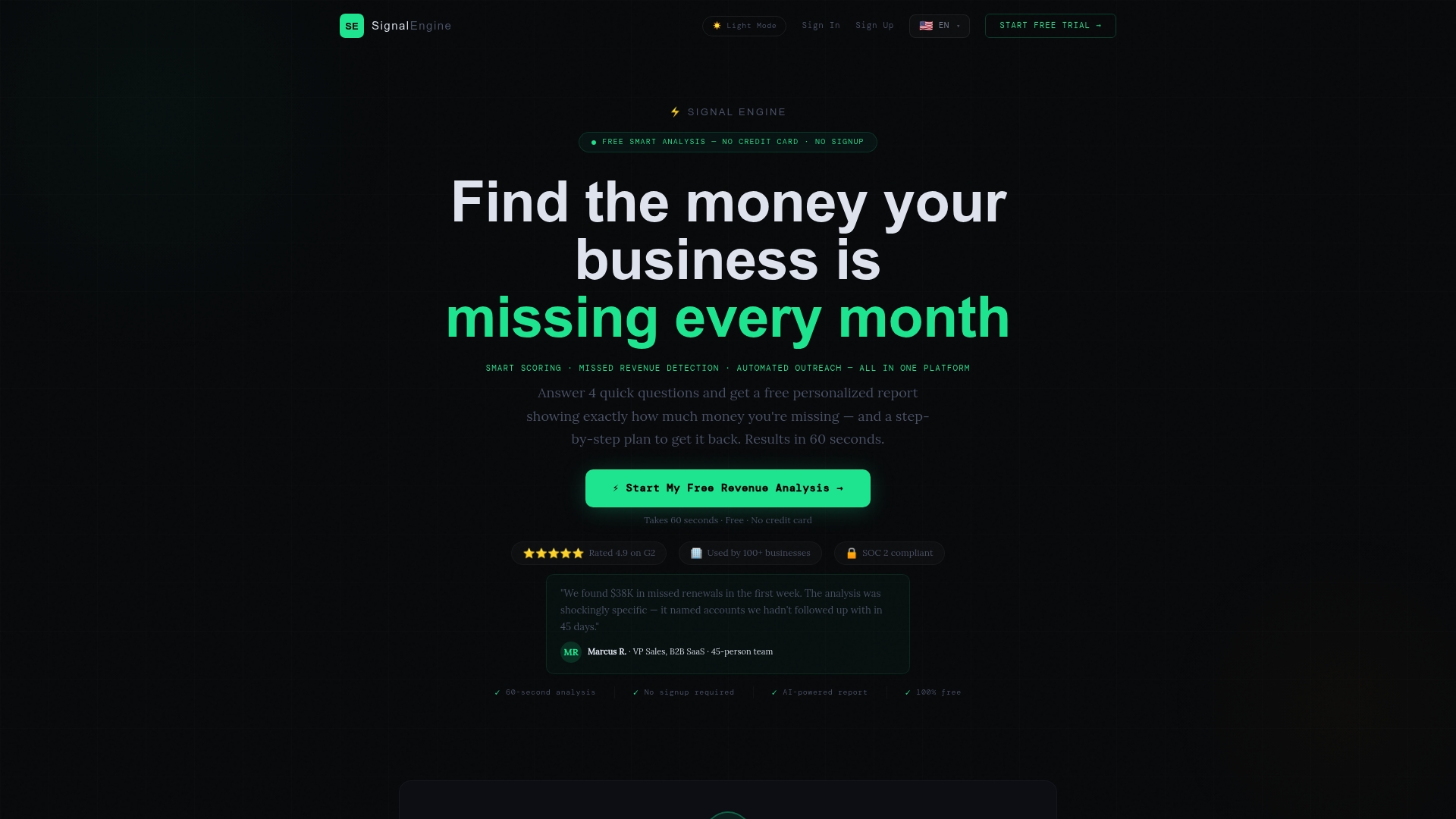
See how it works on the revenue intelligence for small business page, or explore the Signal Engine plans to find the fit for your team. If you want to see how automated follow-up fits into retention, read our email automation retention playbook.
FAQ
How long does it take to fix email deliverability?
Authentication changes take effect within hours to a couple of days once DNS updates propagate. Reputation recovers more slowly. Expect a few weeks of consistent, clean sending to the engaged part of your list before inbox placement stabilizes.
Do small businesses really need DMARC?
Google formally requires DMARC from bulk senders, those sending about 5,000 or more messages a day to Gmail. If you send less, it is still worth publishing at p=none. It costs little, gives you reports and shows providers that your domain is managed.
Can I use my regular Gmail or Outlook address for marketing emails?
It is a poor fit. Free-mail addresses can't be authenticated for your own domain, and sending volume is limited. Use a professional address on your own domain through a proper email platform, with SPF, DKIM and DMARC set up.
Should I buy an email list to grow faster?
No. Purchased lists bring bad addresses, people who never asked to hear from you and spam traps, all of which hurt your reputation. Build your list from customers, inquiries and sign-ups, then nurture it with relevant messages.
What is a good spam complaint rate?
Google asks senders to keep their spam rate in Postmaster Tools below 0.30%. In practice, aim to be a small fraction of that by sending only to people who expect your mail and making unsubscribing easy.
Sources
- Email sender guidelines, Gmail Help
- The Complete Guide to Email Deliverability, Clay
- Email Deliverability: How to Reach the Inbox, DNSimple Help
- SPF DKIM DMARC Recommended Deployment, Cisco
- Microsoft DMARC Requirements (May 2025)
- What is email marketing? Guide to cost-effective growth
Ready to Stop the Revenue Leak?
Signal Engine gives small and local businesses 31 AI-powered tools to score leads by buying intent, predict churn before it happens, auto-generate email and SMS campaigns, and recover missed calls automatically — all in one dashboard starting at $49/month. Start your free 7-day trial — no credit card required. Setup takes 5 minutes.