

The best review request SMS is short, sent within a day of finishing the job, signed by a real person and carries one direct link to your Google review page. It goes only to customers who agreed to receive texts, and it never offers a reward for a particular star rating. Get those four things right and a two-sentence text does more than any review sign on your counter.
Below you get the timing, the wording, nine templates for service businesses, the link setup and the legal lines that matter in the US. Use the templates as written or adapt them to your voice.
TL;DR
- Send the text within 24 hours of the job, while the experience is fresh. Many small businesses see their best response in that window.
- Keep it to 2 to 3 sentences: first name, a thank-you, one link, your business name.
- Only text customers who opted in, honor STOP immediately, and never pay for or filter by sentiment.
- Reply to every review, good or bad, in a conversational tone and without promotions.
- Automate the send, but keep a human approval step so nothing odd reaches a real customer.
Table of Contents
- Why text beats email for review requests
- When to send the request
- What a good review request message says
- Nine review request SMS templates
- Set up the review link
- The rules: consent, opt-out and honest reviews
- Reply to every review
- Automate the send without losing control
- Where Signal Engine fits
- Our perspective
- FAQ
- Sources
- Ready to Stop the Revenue Leak?
Why text beats email for review requests
A text gets opened. An email request sits under invoices and promotions. According to the NFIB 2025 Tech Survey as cited by Robust Branding, US small businesses that ask within 24 hours of service completion see feedback response rates several times higher than those that wait 48 hours or more. The same write-up reports SMS surveys landing at 28 to 36% response within that window, against 8 to 14% for email-only.
Treat those as directional benchmarks, not promises. Your own rate depends on your customers, your service and how personal the message feels. What holds across the board is the logic: a review is a favor, and favors are easiest to give when the job is still on the customer's mind.
If you are weighing channels more broadly, our data-first SMS and email playbook walks through when each one earns its place.

When to send the request
The rule of thumb is the same, trade after trade: ask once the customer has seen the result.
| Business | Best trigger | Why |
|---|---|---|
| HVAC, plumbing, electrical | A few hours after the tech leaves, same day | The comfort or relief is still obvious |
| Dental and medical | After the visit, once the patient is home | Avoids asking in the chair |
| Salon and barbershop | Same evening or next morning | The cut still looks new |
| Auto repair | At pickup or the next morning | They have just driven the car |
| Cleaning and landscaping | After the visit, once they have seen the finished space | Results are visible |
| Real estate | At closing or move-in week | Emotion is highest at the milestone |
| Church or ministry | After an event, a class or a first visit | Ties the request to a real experience |
Send during waking hours in the customer's time zone. Late-night texts feel intrusive and generate STOP replies, not stars. Test an afternoon send against a morning one with your own list instead of trusting anyone's universal "best time."
Send one request and, at most, one reminder a few days later. After that, stop. A third nudge reads as pressure.
What a good review request message says
A strong request has five parts, in this order:
- A first name. "Hi Maria" beats "Dear customer."
- A specific thank-you. Name the job: the water heater, the cleaning, the cleanup after the storm.
- A clear ask. One sentence: would you share a quick review?
- One link. Straight to the review box, not your homepage.
- A real sender. Your business name, or the owner or tech by first name.
Keep it under about 320 characters so it does not stretch into a wall of text on a phone. Skip the exclamation-mark pile and skip anything that sounds like a survey. Do not ask for "5 stars." Ask for an honest review.
Why not ask for five stars
Wording that steers the rating invites trouble. Google's guidance says reviews must reflect a genuine experience, and it treats incentives in exchange for posting, changing or removing reviews as fake and misleading content, which is strictly prohibited. Plain, honest asks also feel better to the customer and read as more credible to the next buyer.
Nine review request SMS templates
Replace the brackets with your details. Every one assumes the customer opted in to texts from you.
1. The standard ask (any service business)
Hi [Name], thanks for choosing [Business] today. If you have a minute, would you share a quick review of your visit? [link] It helps our neighbors find us. – [Owner/Tech name]
2. HVAC or plumbing, same day
Hi [Name], this is [Tech] from [Business]. Glad we got your [AC/water heater/drain] sorted today. If it went well, a short Google review would mean a lot to our small team: [link]
3. Dental or medical practice
Hi [Name], thank you for visiting [Practice] today. If you were happy with your care, we would appreciate a short review: [link]. Please do not include any health details. Reply STOP to opt out.
4. Salon or barbershop
Hi [Name], loved having you in the chair today! If you like your new look, a quick review helps us a ton: [link] – [Stylist], [Salon]
5. Auto repair
Hi [Name], thanks for trusting [Shop] with your [vehicle]. How did we do? A quick review helps other drivers find an honest shop: [link]
6. Cleaning or landscaping
Hi [Name], we finished at [address/area] today. If everything looks great, would you leave us a quick review? [link] Anything we missed? Reply here and we will fix it.
7. Real estate
Hi [Name], congratulations on your new home! If working with me made the process easier, I would be grateful for a short review: [link] – [Agent], [Brokerage]
8. Church or ministry
Hi [Name], so glad you joined us for [event]. If your visit was meaningful, would you share a short review so others can find us? [link] – [Church name]
9. The gentle reminder (3 to 5 days later, once only)
Hi [Name], a quick follow-up from [Business]. If you have a minute, your honest review would help us a lot: [link]. Thanks either way!
Notice template 6. Inviting a reply gives an unhappy customer a private way to reach you before they post publicly. It does not hide anything: the review link still goes to everyone, which matters for the rules below.
Set up the review link
Send a direct link, not instructions. Google's help page on review links and QR codes explains that you can share the link on receipts, in thank-you emails, after a chat or printed in-store, and that QR codes can only be generated from a desktop browser. Build the link from your Business Profile, open it on your phone to confirm it lands on the review box, and use that same link in every template.
A QR code on the invoice or the counter works as a backup for customers you did not text. Do not send customers who did not opt in to a text just because they scanned a code.
If you also want a private feedback channel, a short survey form built in a tool you already use can sit next to the review link, as long as every customer sees the public option too.
The rules: consent, opt-out and honest reviews
A review request is a text message to a person, so telephone-marketing law applies. This section is general information for business owners, not legal advice. For your own situation, talk to a lawyer who handles TCPA matters.
Get consent first
The Telephone Consumer Protection Act (TCPA) is the federal law behind most text messaging rules. A clean opt-in tells the customer who is texting, what kinds of texts to expect, how often, that message and data rates may apply and how to stop. LeadCompliant's TCPA guide adds that pre-checked boxes do not count and that STOP and its variants must be honored right away. Capture consent at booking, on the intake form or on the invoice, and store a record of it.
Our TCPA compliance rulebook for small businesses covers the opt-in language and record-keeping in detail.
Honor opt-outs fast
In January 2026 the FCC's Consumer and Governmental Affairs Bureau extended the effective date of the "revoke all" portion of one opt-out rule until January 31, 2027. The practical advice does not change: treat any clear "stop," "unsubscribe" or similar reply as final for every text from you, and suppress that number at once. The rules in this area are still moving, so check the FCC's site for the current status before you rely on any deadline.
The one-to-one consent rule is gone
You may have read that each business needs its own separate consent from every customer. That mandate was postponed and then vacated by the Eleventh Circuit in February 2025, so it is not in force. Collecting your own clear consent is still the right habit.
Keep reviews genuine
The FTC's Consumer Reviews and Testimonials Rule, 16 C.F.R. Part 465, has been fully effective since October 21, 2024 and allows civil penalties. It prohibits fake reviews and buying positive or negative reviews, for example a gift card only for a 5-star rating. It also covers insider reviews without disclosure of the connection. The rule text on eCFR also addresses review suppression, so do not route only happy customers to the public page.
The safe pattern: ask everyone who opted in, with the same link, using neutral wording. If you thank customers for reviews, thank them for all feedback and attach no condition to the rating.
Reply to every review
The request is half the job. Google's Business Profile help says a mix of positive and negative feedback often feels more trustworthy, and that replies should be conversational, not promotional. Reviewers are already customers, so do not use replies to push deals.
A simple routine:
- Positive review: thank them by first name, mention one detail from the job, sign with your name.
- Critical review: respond within a day or two, acknowledge the issue, and offer to fix it offline by phone or email. Do not offer anything in exchange for changing or removing the review.
- No review after your text: let it go. One reminder is enough.
Automate the send without losing control
Doing this by hand works at ten jobs a week. At fifty it breaks: someone forgets, someone texts at 9 PM, someone sends it to a customer who just complained. The fix is a trigger-based sequence: job marked complete, wait a set number of hours, send the text, send one reminder if nothing happens, stop.

If you want the mechanics, our guides on automated outreach sequences and what an automated follow-up sequence is lay out the building blocks. Reviews also pay off beyond your profile: they shape how buyers decide, as this piece on online reviews and sales explains.
For a reality check on what a good automated text can do, our missed call text-back results for contractors show how a fast, personal message gets replies.
Where Signal Engine fits
Signal Engine is built for small service businesses that do not have time to dig through data. It scores customers on buy-readiness, flags churn risk, recovers missed calls and drafts email and SMS campaigns, with everything held for one-click approval before anything reaches a real customer. That approval step is exactly what a review request needs: you see the message and the audience first.
It comes with modes for 17 industries out of the box, including HVAC, plumbing, dental, real estate, landscaping and a dedicated Church/Ministry mode. If your business does not fit, an onboarding AI builds a custom mode. Pricing is per plan, not per seat: Growth is $149 per month and Scale is $297 per month, and a Free plan is available. See the plans and pricing.
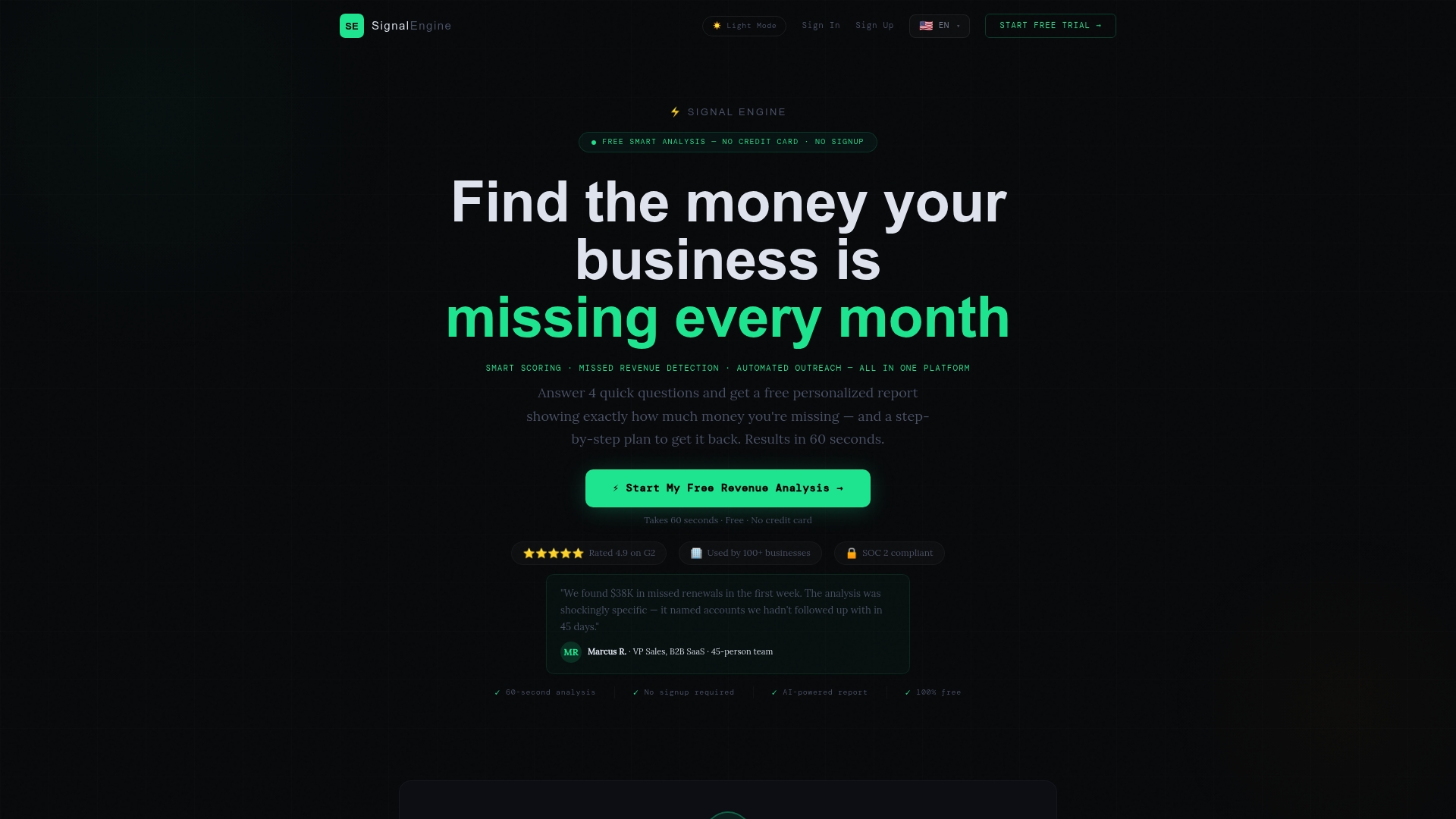
If you would like to see it working, the live demo shows the dashboard and approval flow.
Our perspective
Most small businesses do not have a review problem. They have a follow-up problem. The work is good, the customer is happy, and then the invoice goes out and nobody ever asks.
We built Signal Engine around that gap. Revenue leaks quietly: a missed call here, a customer who drifts there, a happy client who never says so publicly. A review request is the same kind of signal: the right message to the right person at the right moment.
That is why we hold every drafted action for one-click approval. You stay in charge of the voice, and the system does the remembering. Keep the message human, keep it honest, and let automation make sure it actually gets sent.
Bernard
FAQ
What should I say in a review request message?
Thank the customer by first name, name the job, ask for an honest review in one sentence and include a single direct link. Sign it with a real person's name or your business name. Keep it to two or three sentences.
How soon after service should I send a review request text?
Within 24 hours is the common recommendation, and the same day works well for most trades. Some businesses see a better response from an afternoon send than a morning one, so test with your own customers. Send one reminder a few days later, then stop.
Do I need permission to text customers for reviews?
Yes. Collect clear opt-in consent before you text, tell customers what to expect and how to stop, and honor STOP replies immediately. TCPA violations can carry statutory damages per message, so keep consent records. For specific questions, consult a lawyer who handles TCPA matters.
Can I give customers a discount for leaving a review?
No. Google prohibits incentives tied to posting, changing or removing reviews, and the FTC rule bars buying reviews with compensation conditioned on sentiment. Thank customers sincerely and leave rewards out of it.
Sources
- SMB Reviews: Real-Time Feedback Tips
- Tips to get more reviews, Google Business Profile Help
- Create a review link or QR code, Google Business Profile Help
- FTC fake review warning template (2025)
- eCFR, 16 CFR Part 465
- FCC order DA-26-12A1
- TCPA SMS marketing compliance rules, LeadCompliant
- Eleventh Circuit vacates TCPA one-to-one consent rule
Ready to Stop the Revenue Leak?
Signal Engine gives small and local businesses 31 AI-powered tools to score leads by buying intent, predict churn before it happens, auto-generate email and SMS campaigns, and recover missed calls automatically — all in one dashboard starting at $49/month. Start your free 7-day trial — no credit card required. Setup takes 5 minutes.